I can’t make a video of the process, but you can follow the steps below as explained by @B_G :
I use chrome browser.
-
Install this add-on on your chrome
https://chrome.google.com/webstore/detail/cookie-editor/hlkenndednhfkekhgcdicdfddnkalmdm?hl=en -
Log in to your Tiktok account.
-
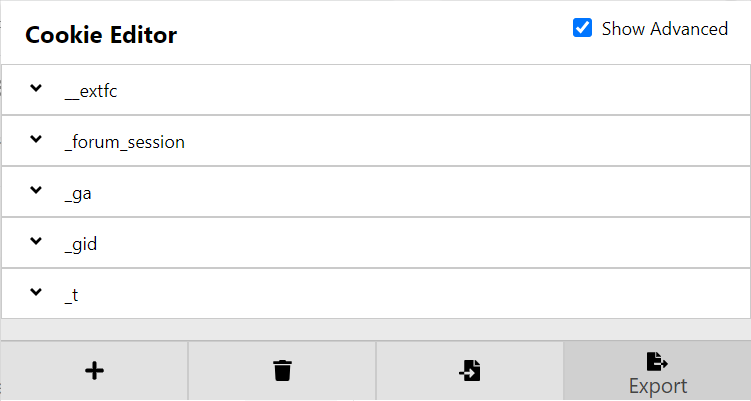
Click on the Cookie Editor icon on your browser, then click on Export
The cookies will be copied to clipboard automatically. -
Open a new txt file using Notepad, paste the cookies, and save the file.
-
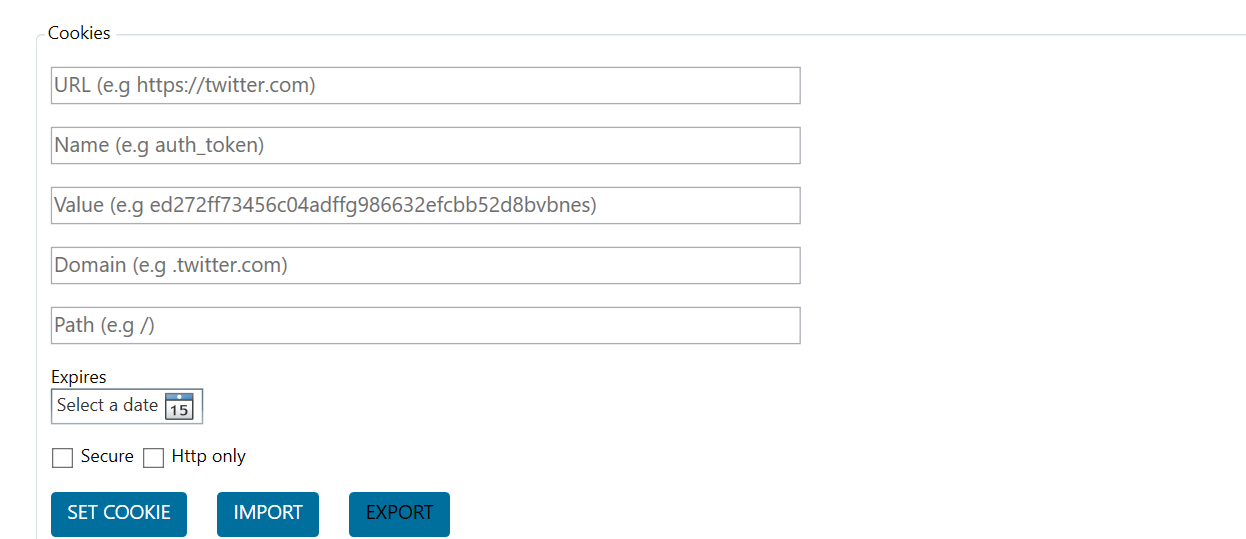
Go to Social Profiles tab, click on the Tiktok account, check the option “Show advanced profile settings”, scroll down and click on Import.
-
Choose the cookies file you saved in step 4.
-
Visit https://www.whatsmyua.info/, copy your user agent, and paste it in Embedded browser user agent field in Jarvee > Account advanced settings.
-
Verify the account. It should go valid after that.